

Why your website is slow. Diagnosis and fix
Causes of slow page loads: TTFB, uncompressed images, render-blocking CSS/JS, missing cache, slow hosting. Diagnostic tools and concrete fixes.
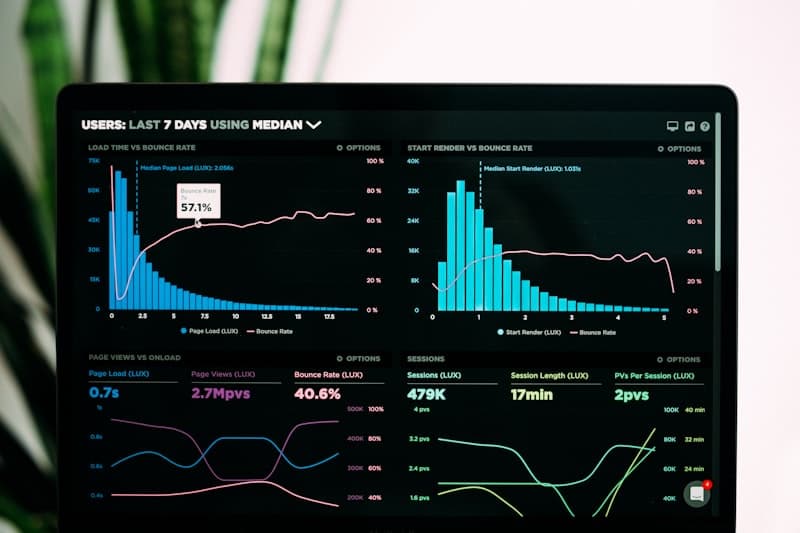
53% of users abandon a page if it takes longer than 3 seconds to load. Every additional second drops conversion by 7%. Google has factored page speed into rankings since 2021 (Core Web Vitals). A slow site is not a technical problem — it is a business problem.
Start by measuring
Before you fix anything, measure. Do not guess — the data will tell you exactly what the problem is:
- PageSpeed Insights: Core Web Vitals score and concrete recommendations
- GTmetrix: waterfall chart, TTFB, load time
- Chrome DevTools, Network tab: what loads, how long it takes, in which order
Key metrics:
| Metric | Good | Needs improvement | Poor |
|---|---|---|---|
| LCP (Largest Contentful Paint) | < 2.5s | 2.5-4s | > 4s |
| FID (First Input Delay) | < 100ms | 100-300ms | > 300ms |
| CLS (Cumulative Layout Shift) | < 0.1 | 0.1-0.25 | > 0.25 |
| TTFB (Time To First Byte) | < 200ms | 200-600ms | > 600ms |
1. Slow TTFB — a server-side problem
TTFB (Time To First Byte) is the time from sending a request to receiving the first byte of the response. If TTFB exceeds 500ms, the problem is on the server, not on the front end.
Causes:
- Cheap shared hosting (hundreds of sites on one server)
- Slow database (no indexes, bloated
wp_optionstable) - No OPcache (PHP recompiles code on every request)
- No page cache (WordPress builds the HTML from scratch on every visit)
Fixes:
- Move to faster hosting (NVMe SSD, dedicated resources)
- Optimise the database:
wp db optimize, remove autoloaded options - Enable OPcache in php.ini
- Install a cache (WP Super Cache, W3 Total Cache, LiteSpeed Cache)
2. Uncompressed images
A photograph straight from a camera weighs 3-5 MB. A page with 10 such photos forces the user to download 50 MB. On mobile LTE that means 10-15 seconds just to load the images.
Fixes:
- WebP or AVIF format (50-70% smaller than JPEG)
- Lazy loading:
loading="lazy"on<img>tags - Right-sized images: do not serve a 4000 px wide file in a 400 px slot
- A CDN for media (Cloudflare, BunnyCDN)
# Convert to WebP (cwebp)
cwebp -q 80 input.jpg -o output.webp

# Bulk conversion
find uploads/ -name "*.jpg" -exec cwebp -q 80 {} -o {}.webp \;
WordPress: the ShortPixel or Imagify plugins convert images automatically on upload.
3. Render-blocking CSS and JavaScript
CSS and JS files in <head> block page rendering. The browser has to download and parse them before it can display anything.
Diagnosis: PageSpeed Insights, "Eliminate render-blocking resources" section.
Fixes:
- Inline critical CSS in
<head>, load the rest asynchronously - Use
deferorasyncon JavaScript - Remove unused styles and scripts
<!-- Instead of -->
<link rel="stylesheet" href="style.css">

<!-- Non-blocking -->
<link rel="preload" href="style.css" as="style" onload="this.rel='stylesheet'">
4. Too many plugins
Every WordPress plugin adds:
- PHP files (executed on every request)
- CSS and JS files (loaded on the front end)
- Database queries
30 plugins potentially mean 30 CSS files, 30 JS files and 50+ SQL queries per page view.
Recommendation: Run an audit. For each plugin, ask: "does the site work without it?". Deactivate, test, remove the unnecessary ones. Keep 10-15 that you really need.
# List plugins with their DB query counts (Query Monitor)
wp plugin install query-monitor --activate
5. No cache
Without a cache, WordPress on every visit:
- Receives the HTTP request
- Boots PHP
- Runs 20-100 SQL queries
- Builds the HTML
- Returns the response
With a cache: the server returns a ready-made HTML file. The difference: from 2 seconds down to 50 milliseconds.
Cache layers:
- Page cache: pre-built HTML (WP Super Cache, LiteSpeed Cache)
- Object cache: DB query results in memory (Redis, Memcached)
- OPcache: compiled PHP bytecode
- CDN: static files closer to the user
6. A heavy theme or page builder
Elementor, WPBakery and Divi generate a sprawling DOM. A simple page with a heading and three paragraphs can end up with 500+ HTML elements and 200KB of inline CSS.
Alternatives:
- Lightweight themes: GeneratePress, Kadence, Astra
- The Gutenberg block editor (built in, no extra code)
- A bespoke theme (the fastest option, but you need a developer)
Priority summary
| Priority | Action | Impact |
|---|---|---|
| 1 | Page cache | The biggest single performance jump |
| 2 | Image optimisation (WebP + lazy load) | Drastic reduction in transfer |
| 3 | Move to faster hosting (if TTFB > 500ms) | Solves the problem at its source |
| 4 | Plugin audit | Fewer DB queries and JS/CSS files |
| 5 | Critical CSS + deferred JS | Faster first render |

About the author
Mirosław Parcz
Developer and server administrator
Web developer and server admin with 16+ years of experience. Focused on WordPress/WooCommerce, web applications, hosting, performance, security, and AI integrations.
Found it useful? Pass it on.
Related articles

WordPress 7.1.2 patches a critical flaw. No login needed, every version since 4.7 affected
CVE-2026-87902 is a critical vulnerability in WordPress core that can be exploited without an account and, under common conditions, leads to remote code execution. Who is affected, how to check your site in two minutes and how to update without surprises.

PHP 8.2 loses support on December 31. Which PHP version for WordPress in 2027
PHP 8.2 security support ends December 31, 2026, and PHP 8.1 has been unpatched since December 2025. A PHP version table with dates, the real risks of running old PHP, a clear recommendation and a safe upgrade procedure that won't break your site.

EU AI Act from August 2, 2026. What to change on your WordPress site if you use AI
On August 2, 2026 new transparency obligations under the EU AI Act start applying. They cover every European company with an AI chatbot on its site (Intercom, Drift, HubSpot, Crisp), AI-generated images from Midjourney or articles written with ChatGPT. Check whether they apply to you, what the fines up to EUR 15 million are and how to implement the changes in WordPress in three ways: ready-made plugin, your existing chat tool or your own code.